SquidWeb Update 17.03.2026
Full patch notesNew features and updates:
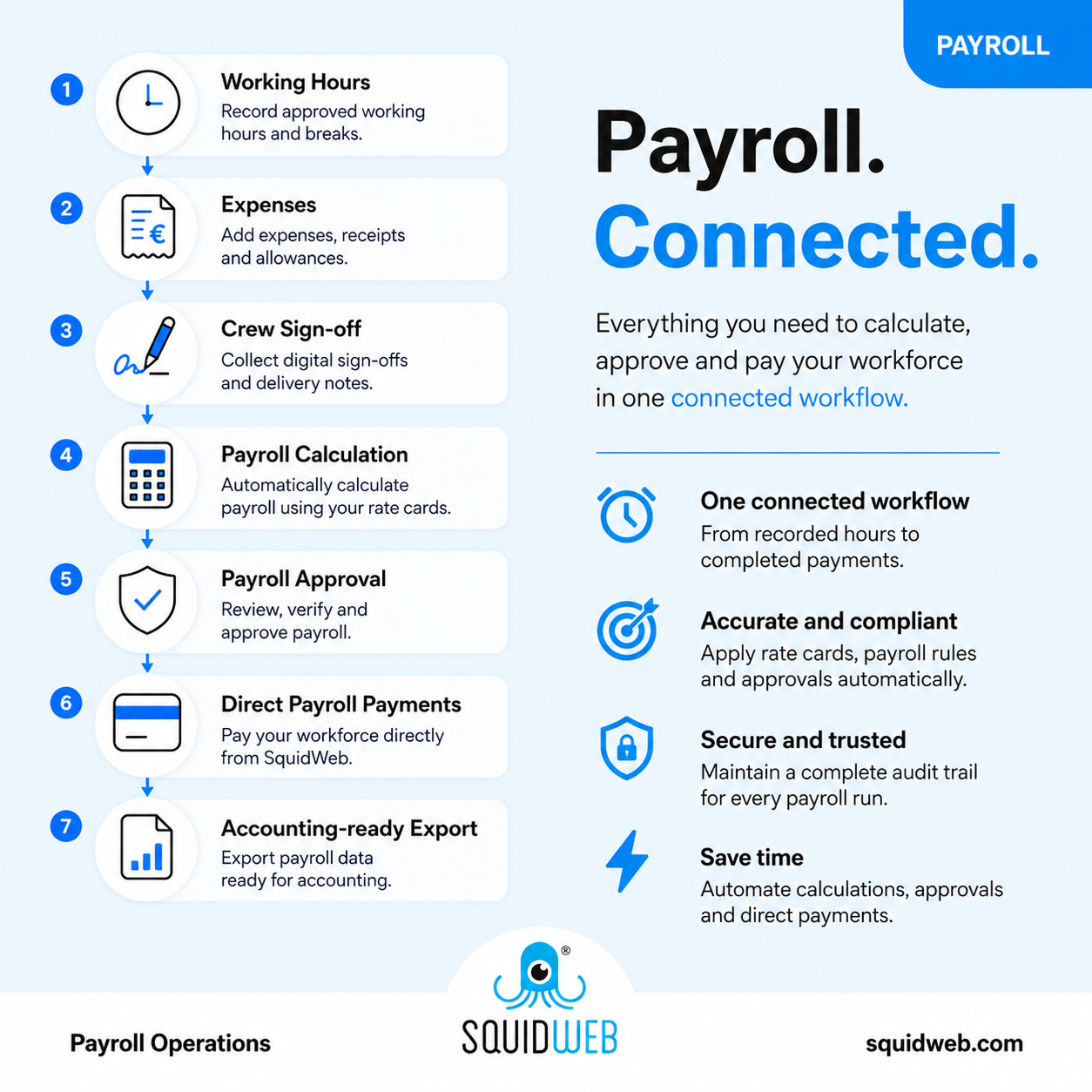
New Crew “Sign Off” link can be sent to the client for signing
New Google review robot available!
Improved data by updating cache for Crew optimizer and prioritize “non-spare” over spare positions
Improved functions linking feature, only active documents shown
Introduced a new Crew details container menu option: Set charged as planned hours!
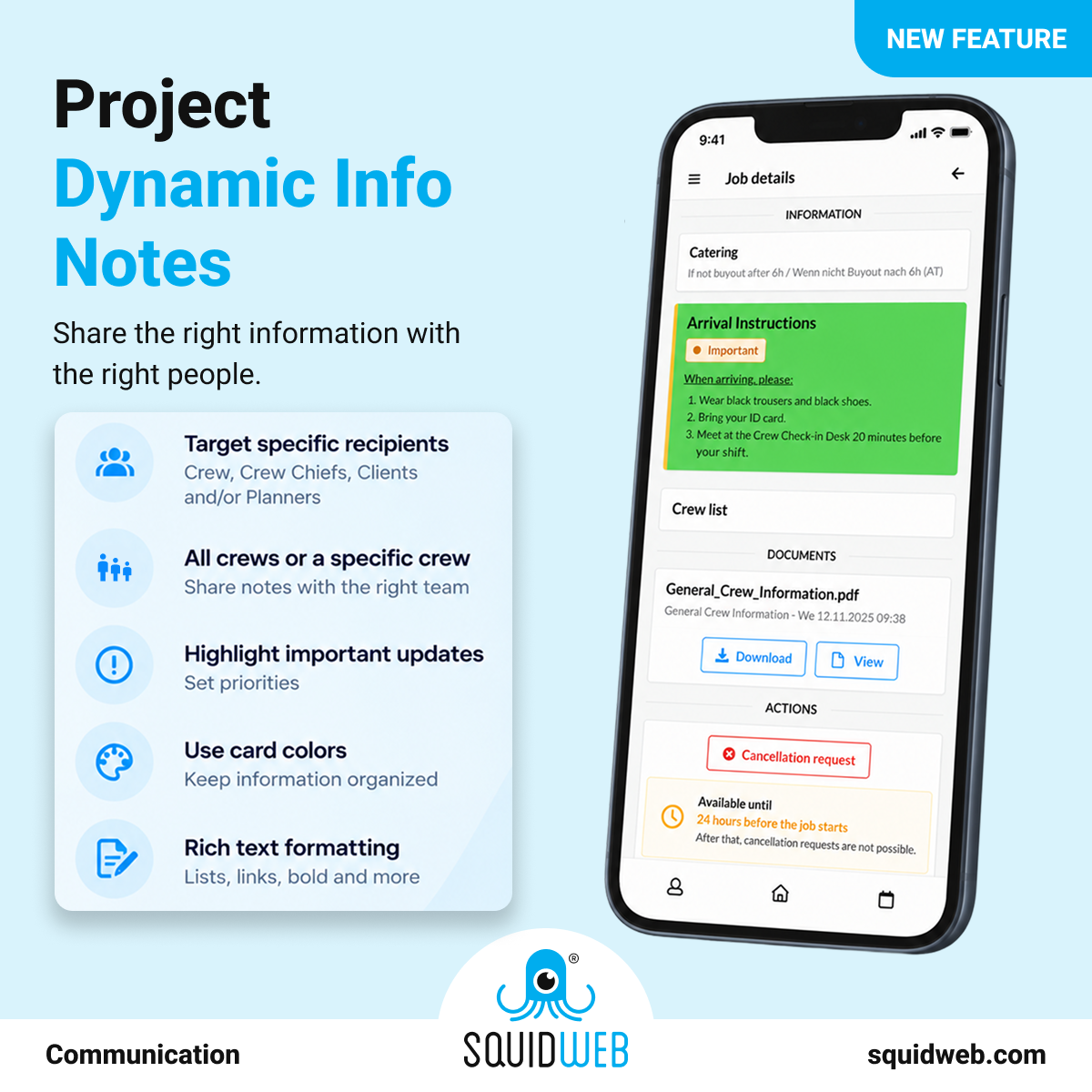
You can now display documents via Mobile App public profile for crew members to have in app! Settings need to be done via company settingsFixes:
Fixed redirect after Delivery Note is signed
Fixed assign items to payroll dropdown filter
Fixed automated processing workabilityDon’t forget to press Ctrl+f5 to see all the changes!

Daylight saving time handled automatically — no manual adjustments

Generate project banners with AI and spot projects instantly

Jump anywhere instantly with the Command Palette (Ctrl + K)

New in SquidWeb: TODO TODO Symbol

All crew documents ready on mobile, automatically

New in SquidWeb: Mailbox search

Stop chasing crew documents — automation keeps everything up to date

Add location photos to help your crew find the right place

New in SquidWeb: Bulk Action Add Spare

Watch step-by-step videos and upload documents with confidence


New in SquidWeb: TODO CALENDAR

Duplicate PCI